Seeing a vin not found message can throw you off, especially when you are checking a car you actually like. The photos look good. The price feels fair. The seller seems normal. Then you enter the VIN, hit search, and nothing shows up.
That moment feels suspicious.
But here’s the thing: a missing VIN result does not always mean the car has a problem. Sometimes the issue is simple. The car might be older, recently registered, imported, or just missing from the database you are checking. With classic GM vehicles, this happens even more often because many older VINs were never built around the 17-character format used today.
So, before you cross the car off your list, take a breath and check the basics first.
Key takeaways:
- A vin not found result often comes from a typo, missing character, or older VIN format.
- An invalid VIN message does not automatically mean the car is fake or unsafe.
- Classic VINs may need a decoder that can read shorter, pre-1981 VIN formats.
If you are checking a GM vehicle, try the GM VIN decoder after confirming the number from the dashboard, door jamb, title, or registration. It can also help with classic GM VINs, which is useful when regular lookup tools come back with little or no information.
First, What Does “VIN Not Found” Really Mean?
A vin not found message usually means the lookup tool could not match your VIN with the data it has. It may sound like a dead end, but it is not always the final answer.
A VIN decoder reads the vehicle identification number and checks it against available vehicle records or manufacturer data. One wrong character is enough to make the search fail.
That is why a car VIN not recognized message should make you slow down, not panic. It is a signal to check the number again, compare the paperwork, and make sure the car’s identity lines up.
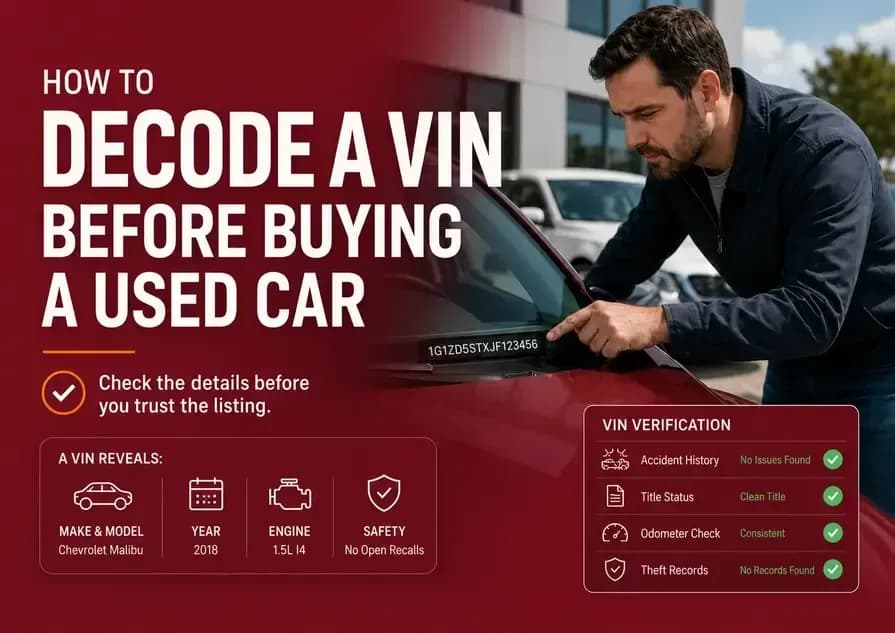
If you are still learning what a VIN can tell you before a purchase, this guide on how to decode a VIN before buying a used car is a helpful next read.
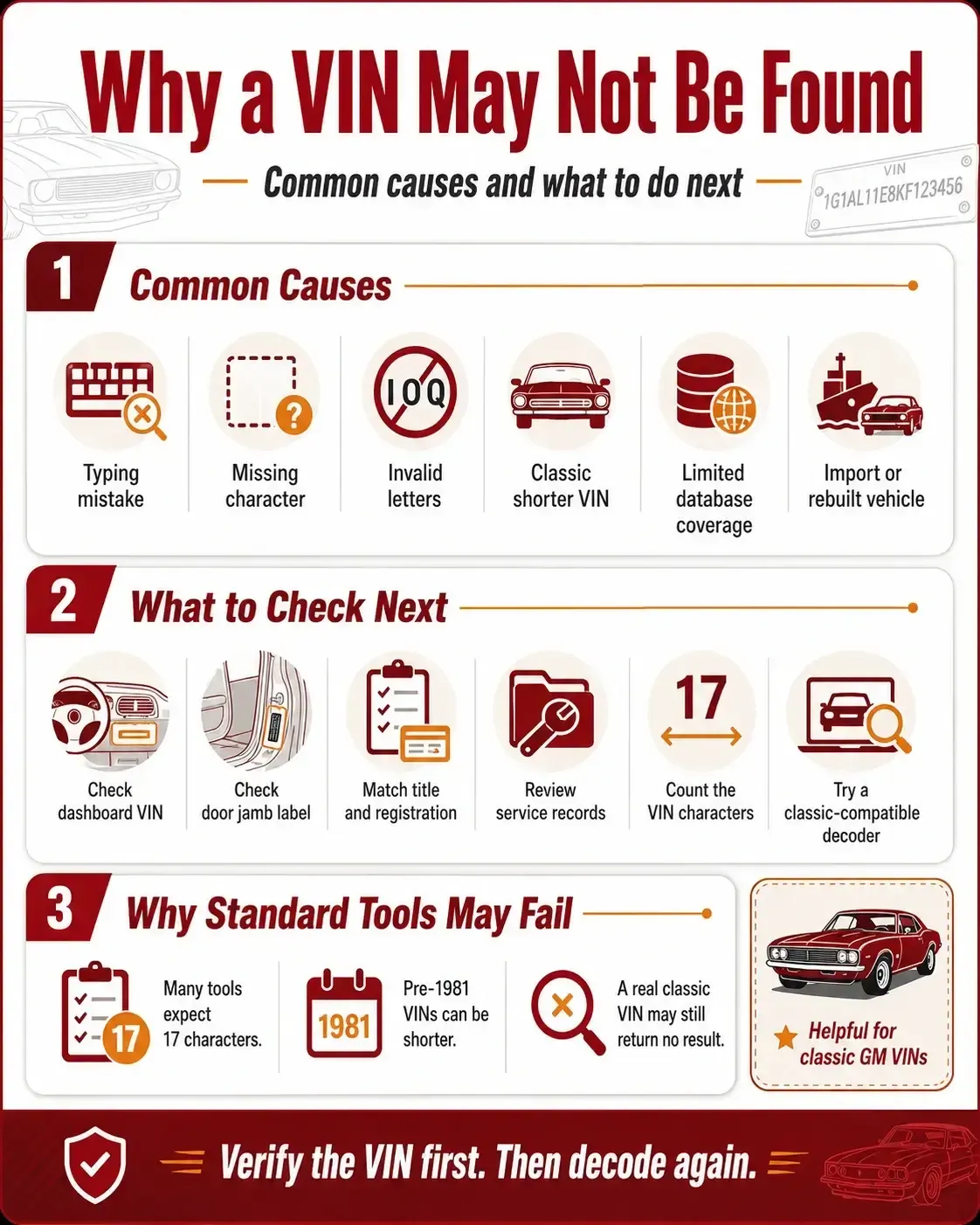
Why Is My VIN Number Not Found?
If you are asking, why is my vin number not found, start with the small stuff. It is not glamorous, but small stuff causes a lot of VIN problems.
⚠️ The VIN Was Typed Wrong
This is the most common reason. A 5 can look like an S. A 0 can look like a D. A 1 can look like an L. If the VIN came from a blurry photo or a quick seller text, one wrong character can easily break the lookup.
⚠️ The VIN Is Missing a Character
Most modern vehicles use a 17-character VIN. If there is a VIN number missing, even by one character, many decoders will not return a result. Count the characters before assuming anything serious.
⚠️ The VIN Has an Invalid Character
Modern VINs do not use I, O, or Q because they can be confused with numbers. If your VIN includes one of those letters, check the physical VIN plate again.
⚠️ The Vehicle Uses an Older VIN Format
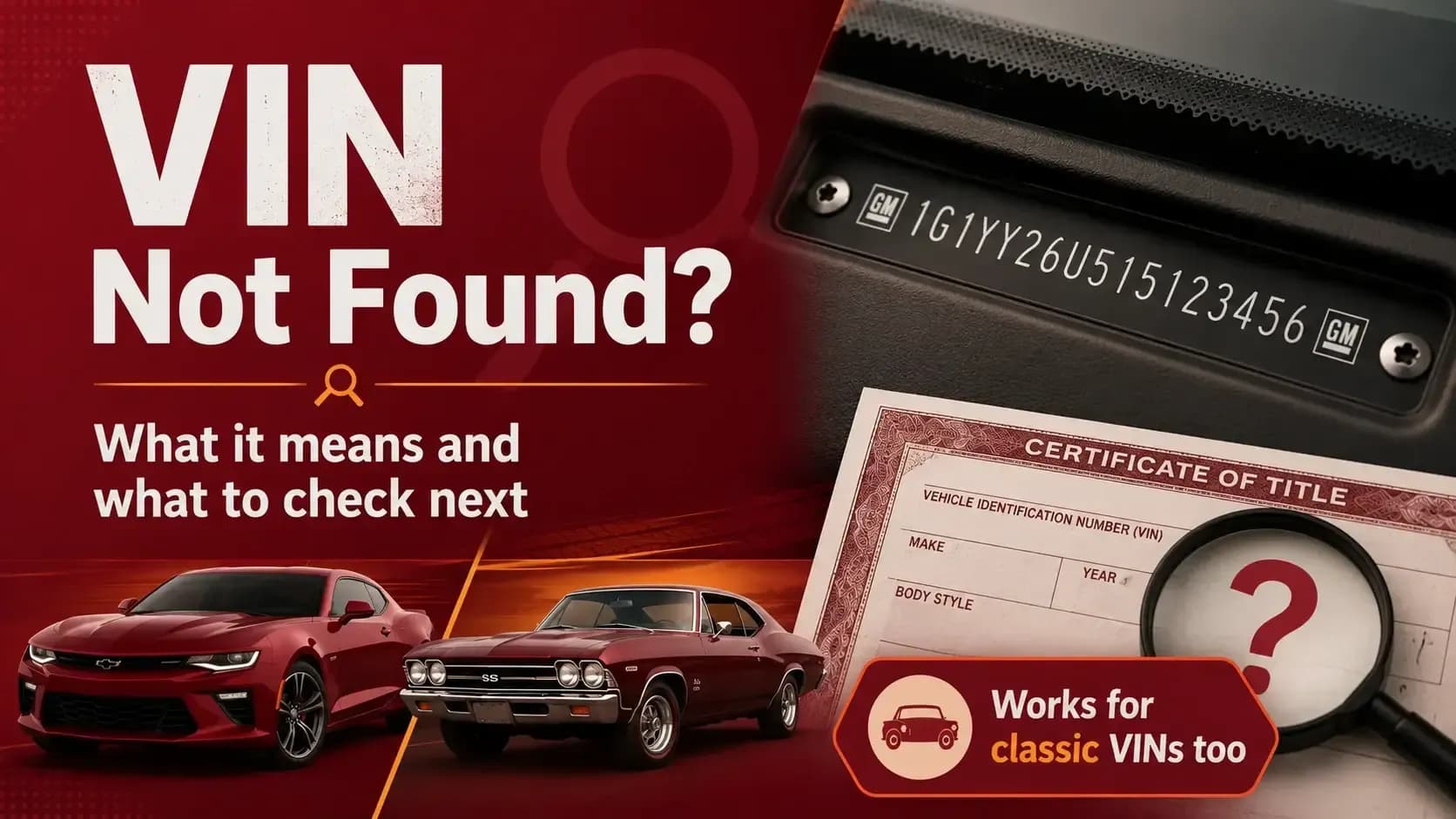
Many vehicles built before 1981 used shorter VINs. That matters a lot for classics. A classic GM VIN may be real, but still fail in a decoder built only for modern 17-character VINs.
⚠️ The VIN Is Not in That Database
A vin not in system message may simply mean that the tool does not have coverage for that year, market, model, or vehicle type. Different tools use different data sources.
⚠️ The Vehicle Has a Complicated Record Trail
Imports, rebuilt vehicles, gray-market cars, older restorations, and heavily modified vehicles can be harder to match. The VIN may be valid, but the records may be thin or scattered.
Where Should You Check the VIN Before Trying Again?
Before running another search, make sure you are using the correct VIN. A seller’s message is useful, but a clear photo is better. Seeing the number on the car is better still.
Dashboard Near the Windshield
Stand outside the car and look through the lower driver-side corner of the windshield. This is one of the most common VIN locations on modern vehicles.
Driver-Side Door Jamb
Open the driver’s door and check the certification label. The VIN here should match the dashboard VIN.
Vehicle Title
The title should show the legal VIN. If the title VIN does not match the vehicle, stop and ask questions before going further.
Registration Documents
Registration paperwork should match the title and the physical vehicle. A tiny difference still matters.
Insurance Papers
Insurance records often list the VIN. They can help confirm the number if the seller has older paperwork.
Service Records
Repair invoices and maintenance records may include the VIN. For older cars, these records can also help show whether the vehicle has a steady paper trail.
A simple tip: take a clear photo of the VIN instead of typing it by hand. It saves time, and honestly, it saves headaches.
How to Fix an Invalid VIN Number Issue?
If you want to know how to fix invalid VIN number issue, do not jump straight to worst-case thinking. Work through the checks in order.
1
Count the Characters
For most modern vehicles, the VIN should have 17 characters. If it has 16 or 18, something may be wrong. For a classic vehicle, though, a shorter VIN may be completely normal.
2
Remove Spaces and Symbols
Do not enter spaces, dashes, dots, or extra marks. A VIN lookup usually needs letters and numbers only.
3
Check Lookalike Characters
Look closely at 0 and D, 5 and S, 2 and Z, 8 and B, and 1 and L. These small mix-ups happen all the time.
4
Watch for I, O, and Q
If a modern VIN includes I, O, or Q, check the source again. Those letters are not used in modern standardized VINs.
5
Compare More Than One VIN Location
Match the dashboard VIN with the door jamb, title, registration, and service records. If they do not agree, slow down.
6
Use Our GM Classic VIN Decoder
If the car is older, do not rely only on a modern VIN checker. Classic VINs often need a tool that can read shorter or older GM VIN formats. This is one reason a standard lookup may fail even when the vehicle is legitimate.
Steps When VIN Decoder Doesn’t Work
A vin number check not working can be annoying, but it can also protect you. It makes you ask better questions before money changes hands.
1
Ask for a Clear VIN Photo
Ask the seller for a close photo of the dashboard VIN and the door jamb label. A serious seller should not make this difficult.
2
Compare the VIN With the Title
The title should match the vehicle. If it does not, do not accept a vague explanation like “that is just how it came.”
3
Check Whether It Is a Classic VIN
If the car is older, the VIN may not follow the modern 17-character format. That does not make it fake. It just means you need the right lookup method.
4
Try a Different Decoder
Some tools are stronger with modern vehicles. Others are better with older or classic VINs. If one decoder fails, another may still read the number.
5
Inspect the VIN Plate in Person
Look for scratches, odd rivets, damaged labels, fresh glue, or anything that looks disturbed. You do not need to be paranoid. Just be observant.
6
Walk Away if the Story Feels Wrong
Not every VIN issue is serious. But if the seller avoids questions, changes the story, or cannot show matching documents, it may be time to leave.
Why Does Carfax Say VIN Not Found?
A lot of buyers ask, why does Carfax say VIN not found, especially when they are checking an older vehicle or a classic car.
Often, the reason is simple: many mainstream history tools are built around the modern 17-character VIN system. That works well for most newer vehicles, but it can fall short with older cars that used shorter VINs before the current format became standard.
That is a real issue for classic vehicles.
A classic GM VIN may be real, readable, and tied to a legitimate vehicle, but still return no result in a system that expects a modern VIN. So if Carfax or another history provider cannot find the number, do not assume the car is automatically bad. It may simply be outside the tool’s coverage.
This is where classic VIN decoding becomes valuable. If you are checking an older GM vehicle, a classic-compatible GM VIN decoder can help identify the car when standard history tools do not return useful results.
Still, do not stop at the decode. Classic cars often have a different kind of paper trail. Compare the VIN with the title, registration, old service records, restoration documents, previous sale paperwork, and any factory documentation the seller provides.
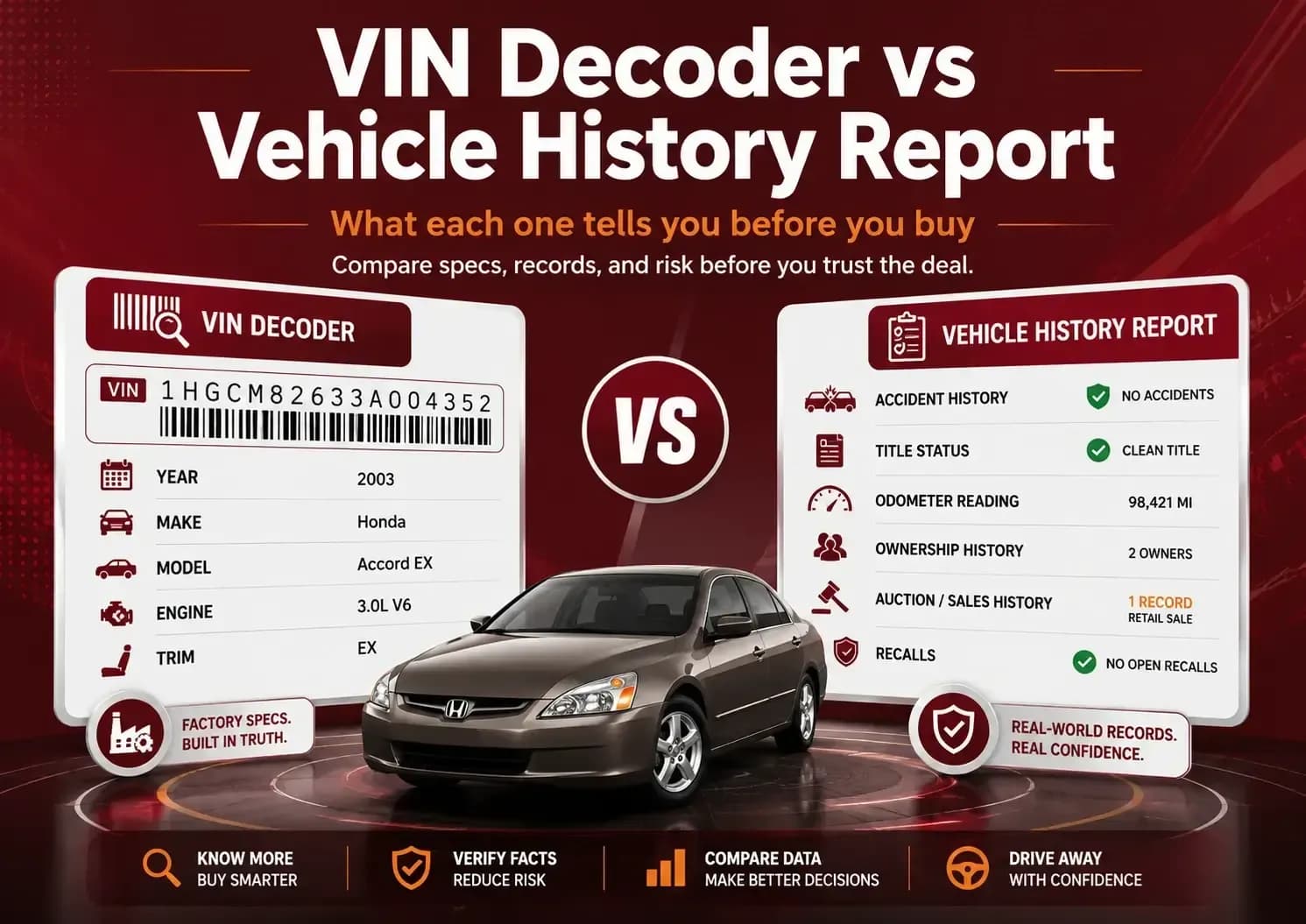
If you are unsure whether a basic decode is enough or you need deeper records, this guide on VIN decoder vs vehicle history report explains the difference clearly.
When Should a VIN Problem Worry You?
Some VIN problems are harmless. Others deserve your full attention. The trick is knowing which is which.
⚠️ The Seller Refuses to Share the VIN
Most serious sellers share the VIN. If someone refuses without a clear reason, be careful.
⚠️ The VINs Do Not Match
The dashboard, door jamb, title, and registration should show the same VIN. If they do not, stop and verify everything.
⚠️ The VIN Plate Looks Disturbed
Bent plates, scratched rivets, damaged labels, or odd placement can point to tampering.
⚠️ The Vehicle Story Keeps Changing
One explanation is fine. Three different explanations are not fine.
⚠️ The Title Has Issues
Missing titles, delayed titles, rebuilt paperwork, or unclear ownership can make the deal risky.
⚠️ The Price Feels Too Low
A low price is not always a problem. A low price with VIN confusion deserves a much closer look.
Used car buying is a little like reading a trail. One odd footprint may mean nothing. Several odd footprints? Now you pay attention.
Can a Real VIN Still Be Unrecognized?
Yes. An unrecognized VIN can still be real.
Older cars, imported vehicles, low-volume models, newly registered cars, and vehicles with thin records can all cause lookup gaps. Some databases are better with modern vehicles. Others may handle classic VINs better.
That is why a failed lookup should lead to verification, not instant panic.
Ask for more documents. Compare the physical VIN locations. Review service records. Check old titles if the seller has them. If the car is still worth pursuing, consider a professional inspection too.
When the paperwork agrees, confidence goes up. When nothing agrees, do not force the deal.
There are always more used cars. That sounds simple, but it is worth remembering when a seller is rushing you.
What to Do Before You Move Forward?
If the VIN finally works, compare the decoded details with the listing. Check the year, make, model, body style, engine, and trim. The details should make sense together.
If the VIN still does not work, do not rush the deal. Ask for more proof. A car can look clean in photos and still have confusing paperwork. A low price can also become expensive if the vehicle identity is unclear.
For a GM vehicle, run the VIN through the GM VIN decoder after checking each character carefully. If it is a classic GM vehicle, this step is especially useful because shorter classic VINs may not work in many standard decoders.
Frequently Asked Questions
Why is my VIN number not found?
Your VIN may not show up because it was typed incorrectly, has a missing character, uses an invalid letter, belongs to an older vehicle, or is not covered by the database being searched.
What does invalid VIN mean?
An invalid VIN usually means the number does not fit the expected VIN format. It may be too short, too long, copied incorrectly, or entered with the wrong character.
Can a real VIN be unrecognized?
Yes. A real VIN can still be unrecognized, especially if the vehicle is older, imported, newly registered, rebuilt, or not included in that specific data source.
Why is my VIN number check not working?
Common causes include typos, extra spaces, wrong characters, older VIN formats, limited database coverage, or incomplete records.